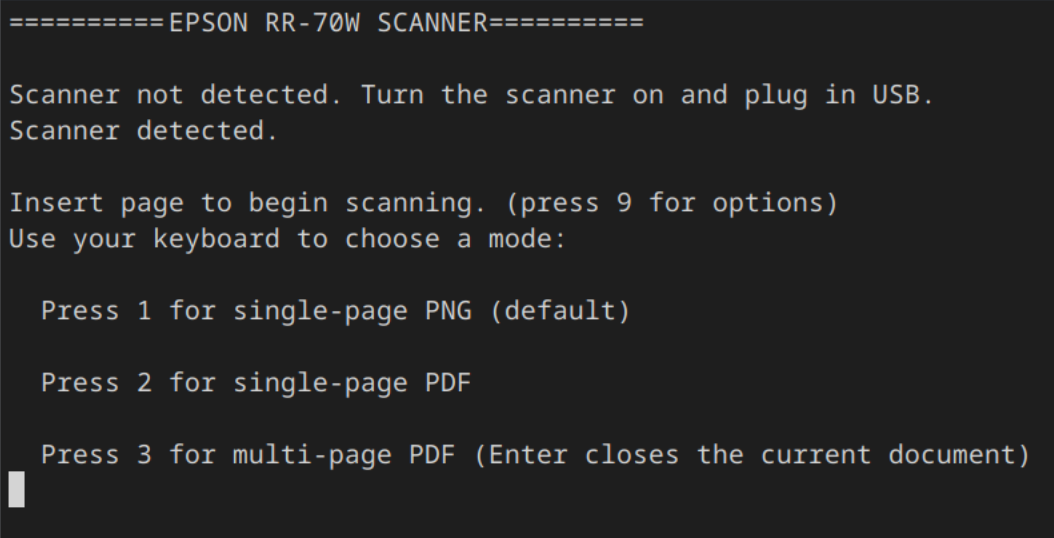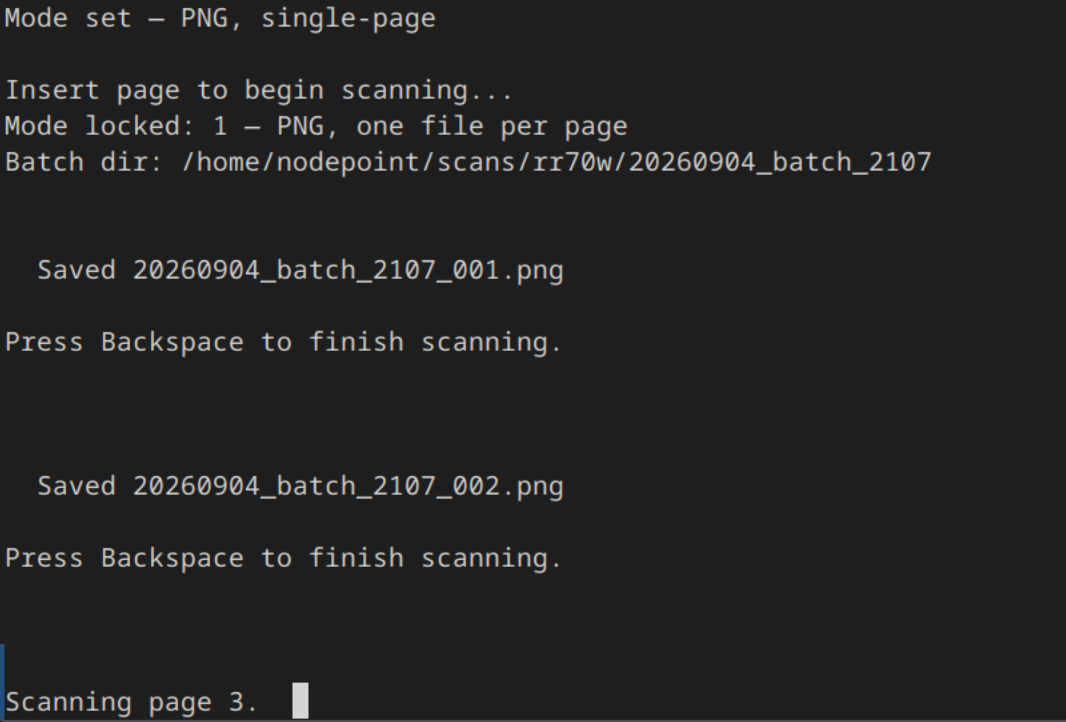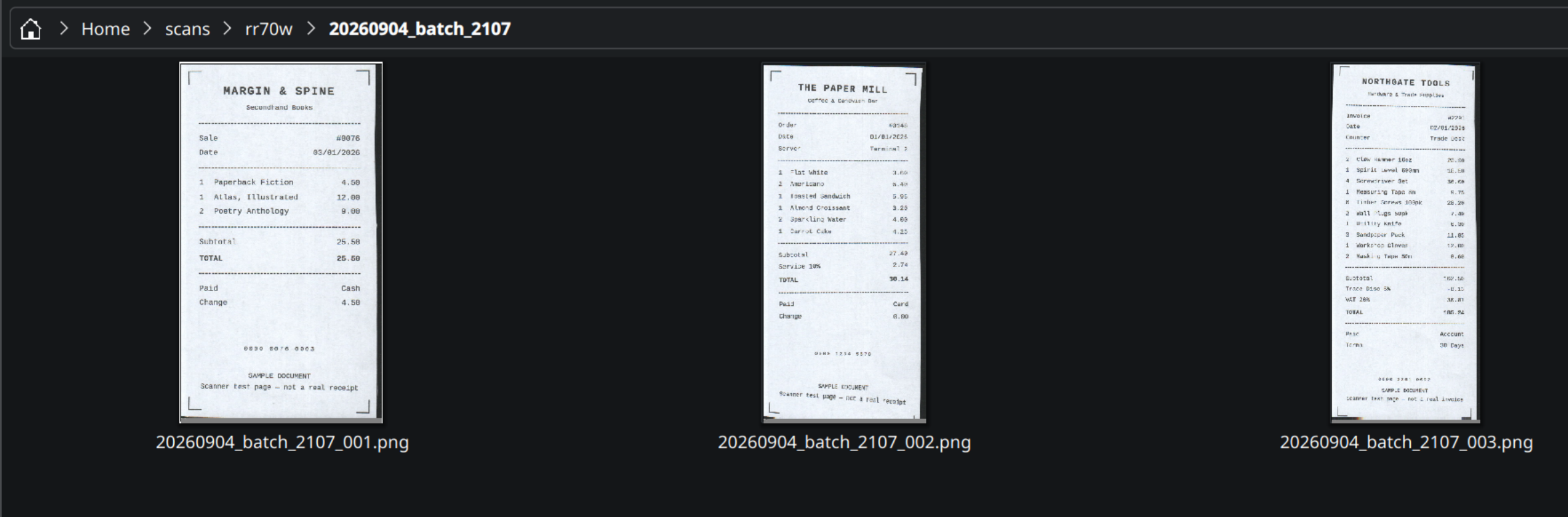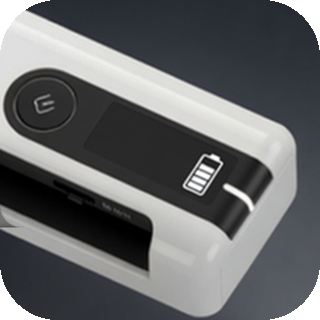
Epson ships no Linux drivers and no Linux scanning software for the RR-70W portable document scanner. This is a command-line tool that talks to the device directly over USB using the eSCI2 protocol, and drives its Automatic Feeding Mode: insert a page, it scans, insert the next, and it keeps going until you tell it to stop. Built for batches of receipts and invoices.

Use it when

You have a stack of loose pages, an RR-70W, and a Linux machine — the one combination the manufacturer doesn't support.

  • Continuous batch scanning, with no per-page clicking
  • Output as PNG, one PDF per page, or a single multi-page PDF
  • Auto-crop to the paper edge, even against the dark ADF backing
  • Batches named {date}_{prefix}_{HHMM}_{NNN}, so they sort chronologically
  • Entirely offline — no account, no cloud service
  • Free software under the GPL, version 2

Source & full docs on GitHub

Running it

pip3 install --user -r requirements.txt
python3 rr70w_batch_scan.py --outdir ~/scans/rr70w

Feed pages as it runs and press Backspace when the stack is done. It scans at 150 dpi by default, falling back through 200, 300, 400 and 600 if the device refuses. White margins are cropped automatically; --no-crop keeps the full frame. If no pages were fed, no batch folder is created.

Close any other scanning application first — the tool claims the USB device directly.

Output modes

Chosen before the first page is fed, and fixed for the whole batch.

KeyMode
1PNG, one file per page — the default, no key needed
2PDF, one file per page
3PDF, multi-page — press Enter to close a document and start the next without ending the batch

Requirements

  • Linux with USB access to the device — lsusb should show 04b8:018b
  • Python 3, with pyusb and Pillow

Developed and tested on Fedora 44 KDE. Any distribution with Python 3 and libusb should behave the same way.