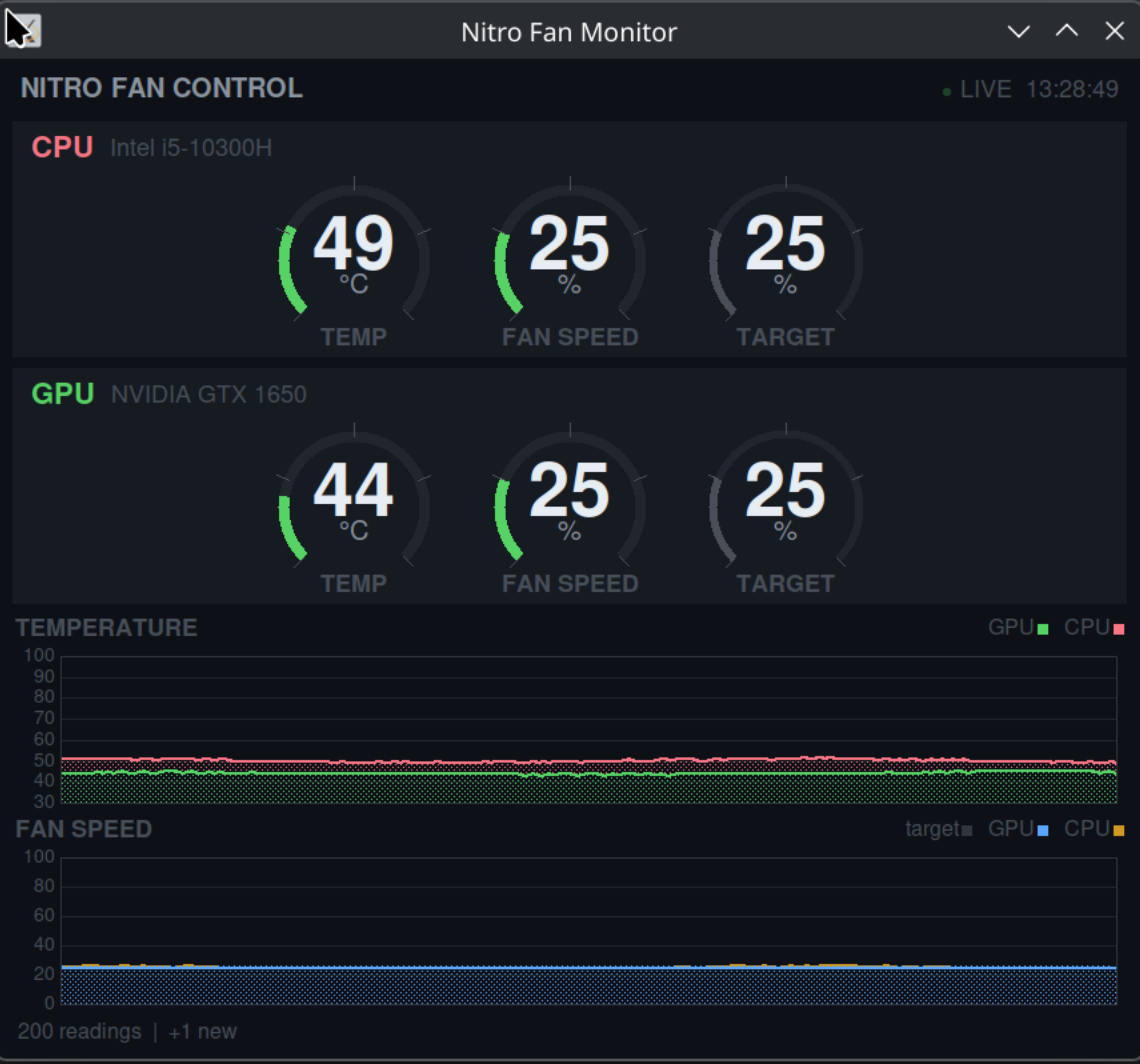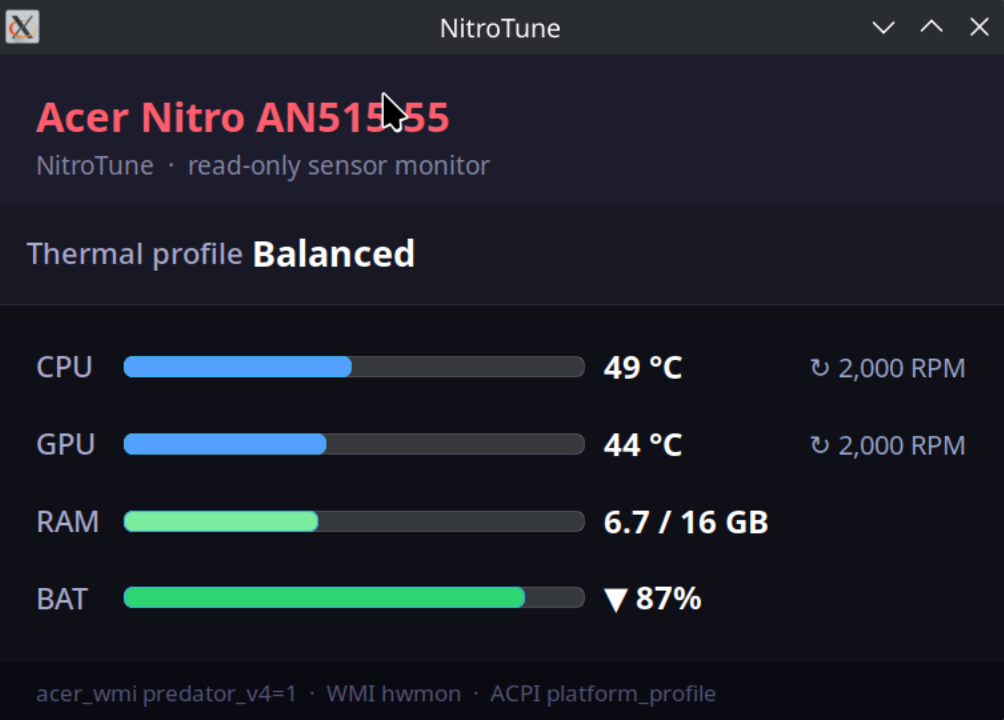
NitroTune is three independent pieces for one laptop: a read-only GTK tray monitor that shows temperatures, fan RPM and the active thermal profile; a WMI thermal-profile switcher that asks the BIOS to change modes; and a custom fan-curve daemon that writes speeds straight to the embedded controller. You can run the monitor on its own, or pair it with whichever control method your firmware actually honours.
The monitor — always safe
nitrotune.py is a GTK system-tray readout: live CPU and GPU
temperature, fan RPM, RAM, battery, and the current thermal profile. It
has no buttons and no settings, and it never writes anything — there is
no write path in the code at all. Useful whichever control option you
pick, or none of them.
sudo bash install-nitrotune.sh
Two ways to control the fans
These are alternatives, not layers — only one should be driving the fans at a time. The installer for the profile switcher stops the fan-curve daemon automatically when you switch across.
WMI thermal profiles use the kernel's standard
platform_profile interface, exposed by acer_wmi
when loaded with predator_v4=1. In principle the BIOS then
manages the curve for whichever mode you select. In practice, on the BIOS
this was tested against (V2.06, 08/19/2021), only balanced
does anything — the other modes are accepted, the sysfs value changes,
and the firmware quietly ignores them. Run acer-profile status
to see what yours honours before relying on it.
A custom EC fan curve bypasses the BIOS entirely, writing
fan speed to the embedded controller through nbfc-linux's
ec_probe. That gives genuine manual control: a smoothly
interpolated curve with ramp limiting, so a brief Turbo Boost spike
doesn't make the fans lurch, and independent CPU and GPU handling. It
restores automatic EC control on stop or crash, so it never leaves the
fans pinned at a fixed speed.
EC registers, confirmed on the AN515-55
| Register | Purpose | Values |
|---|---|---|
0x22 | CPU fan mode | 4 = auto, 12 = manual |
0x21 | GPU fan mode | 16 = auto, 48 = manual |
0x37 | CPU fan speed | 0–100% (manual only) |
0x3A | GPU fan speed | 0–100% (manual only) |
0xB0 | CPU temperature | °C |
GPU temperature comes from nvidia-smi. These addresses are
specific to this model, though the underlying mechanism applies to many
Acer Nitro and Predator laptops — the values will differ.
A word of caution. The fan-curve daemon writes directly to embedded-controller registers that were identified by experiment on one machine. On different hardware those addresses may mean something else entirely. Watch the log for a few minutes before enabling it at boot, and treat the whole project as what it is: a personal tool for one laptop model, shared as-is with no warranty.
Requirements
- Linux with a recent kernel — developed on Linux Mint 22, kernel 6.8
- nbfc-linux, for
ec_probe nvidia-smi, for GPU temperature on NVIDIA hardwareacer_wmiloaded withpredator_v4=1, for thermal profilespython3-giandgir1.2-gtk-3.0, for the tray monitor